To print a card at home, load matte cardstock, set the scale to actual size, choose a heavy or matte paper type and the best quality, and run one test on plain paper first. After printing, let the ink dry, then score, trim and fold, in that order.
Check the File Before You Print
Open the file and look at three things.
The format. A PDF carries its own page size, so it prints at the size the designer set. A JPG or PNG has no page, and the print dialog decides how big it comes out. With an image file, set the width and height in inches yourself.
The page size. Files from US designers are usually laid out on Letter, 8.5 x 11 inches. Files from elsewhere are often A4, 210 x 297 mm or about 8.27 x 11.69 inches, which is slightly narrower and longer. Many listings include both.
The layout. Printable cards come in a few standard arrangements:
- Two A2 cards on one Letter page, to be cut apart
- One 5 x 7 card per page, with crop marks in the corners
- A quarter-fold card, printed on one side of plain paper and folded twice
Finished sizes and the envelopes that match are listed in card sizes and envelopes.
The Three Settings That Matter
Printer dialogs differ by brand, but these three choices appear in all of them under similar names.
| Setting | Choose | Why |
|---|---|---|
| Scale | Actual size, or 100% | "Fit" and "shrink to fit" resize the design, so the card no longer matches its envelope or its fold marks |
| Paper type | Matte, heavy, or cardstock | An inkjet adjusts the amount of ink for a thicker, more absorbent sheet, and a laser printer raises the fuser temperature so toner bonds to heavy stock |
| Quality | Best or high | More ink passes, smoother color and sharper small text |
Scale is the one that catches people. In Adobe Acrobat the choices are Actual size, Fit and Shrink oversized pages. Fit scales the page to the area the printer can reach, and on a full Letter page that means a reduction of about 3 to 6 percent, depending on the printer's margins. Measure the test print with a ruler: the front of an A2 card should be exactly 4.25 inches wide.
An A4 file printed on Letter at actual size loses about 0.7 inch of its height, split between top and bottom. Printed with Fit, it comes out about 6 percent smaller, which still slips into its envelope.
Paper and Feeding
Smooth, matte, bright white cardstock is the right surface for a folded card. The weight depends on the printer. Makers rate entry-level inkjets lower than most people expect: HP's spec sheet for the ENVY 6000e series, for example, stops at 200 gsm for cards, which takes in 65 lb cover (176 gsm) but not 80 lb cover (216 gsm). Check your printer's maximum paper weight in its manual, and test a single sheet before going past it. The weights are compared in the best paper for handmade cards.
- Feed cardstock one sheet at a time.
- Use the rear or manual feed slot if the printer has one. The path is straighter, and stiff paper jams less.
- Look for a thick-paper option in the driver. Epson's, for one, has a Thick Paper and Envelopes setting meant to stop ink smearing on heavy sheets.
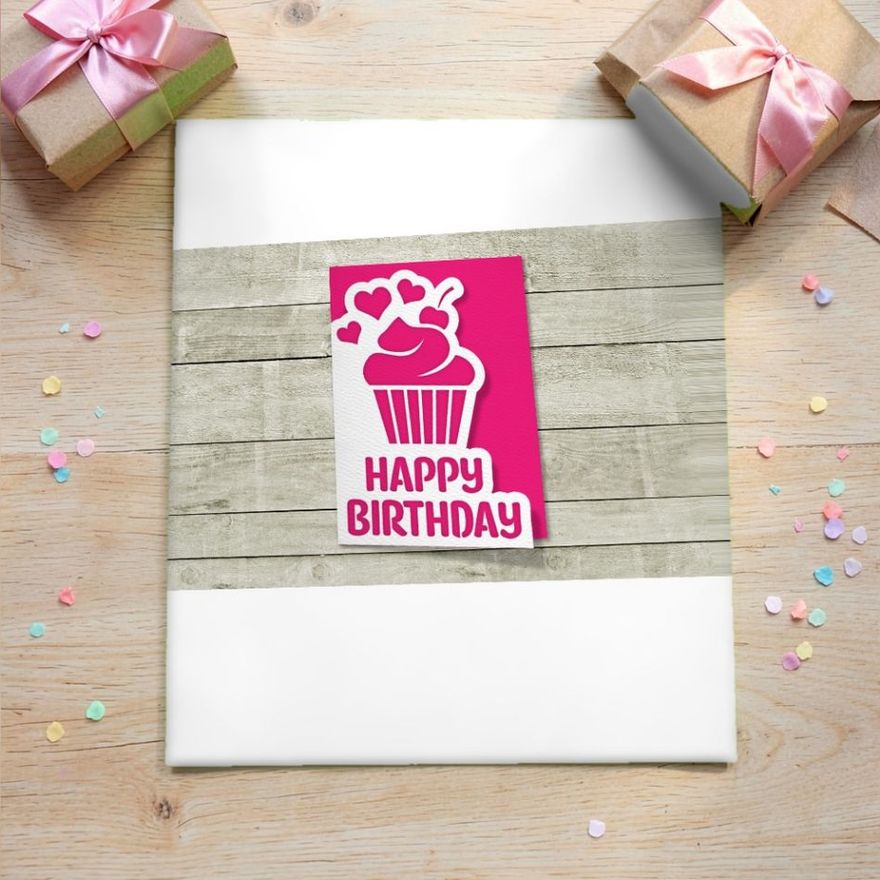
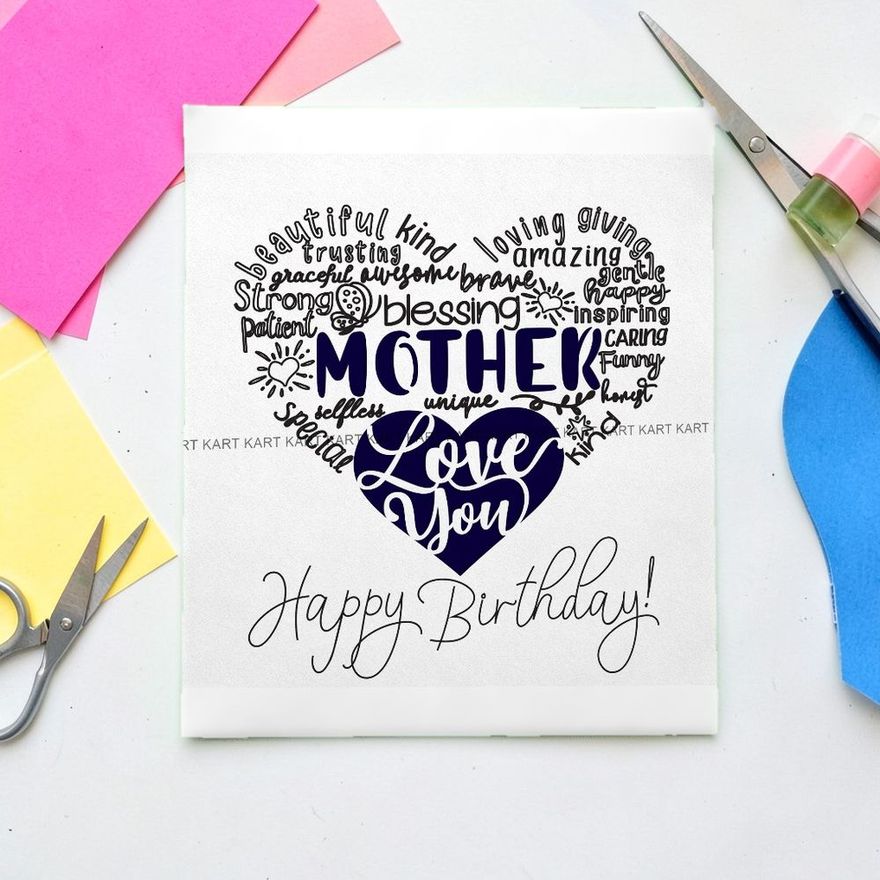
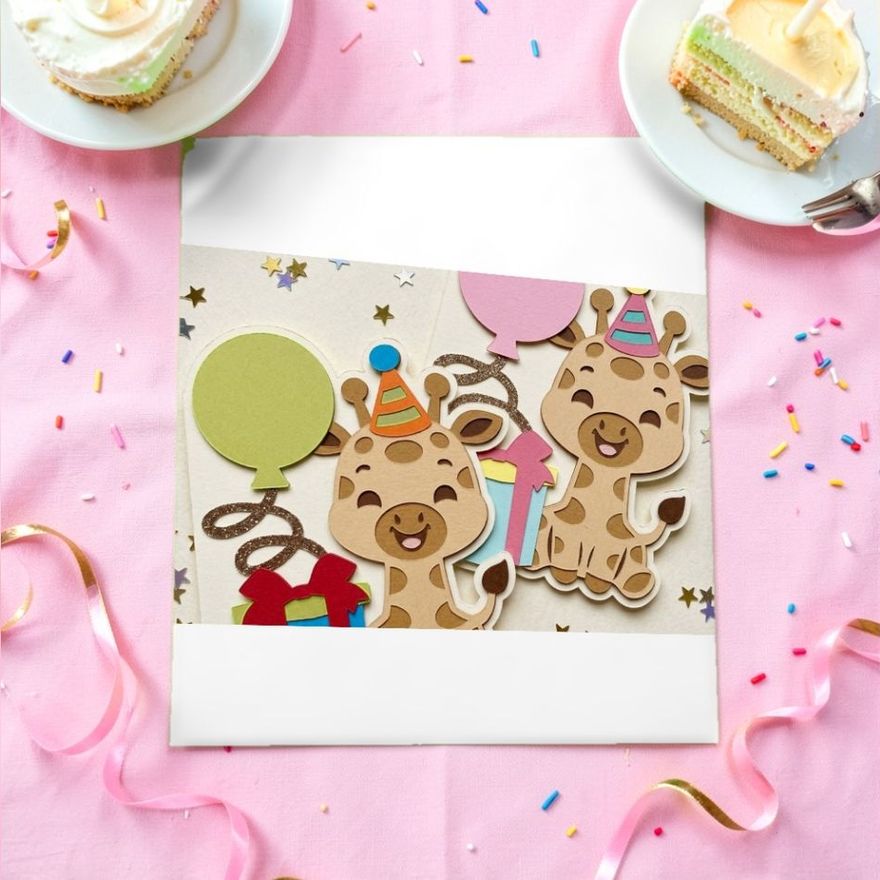
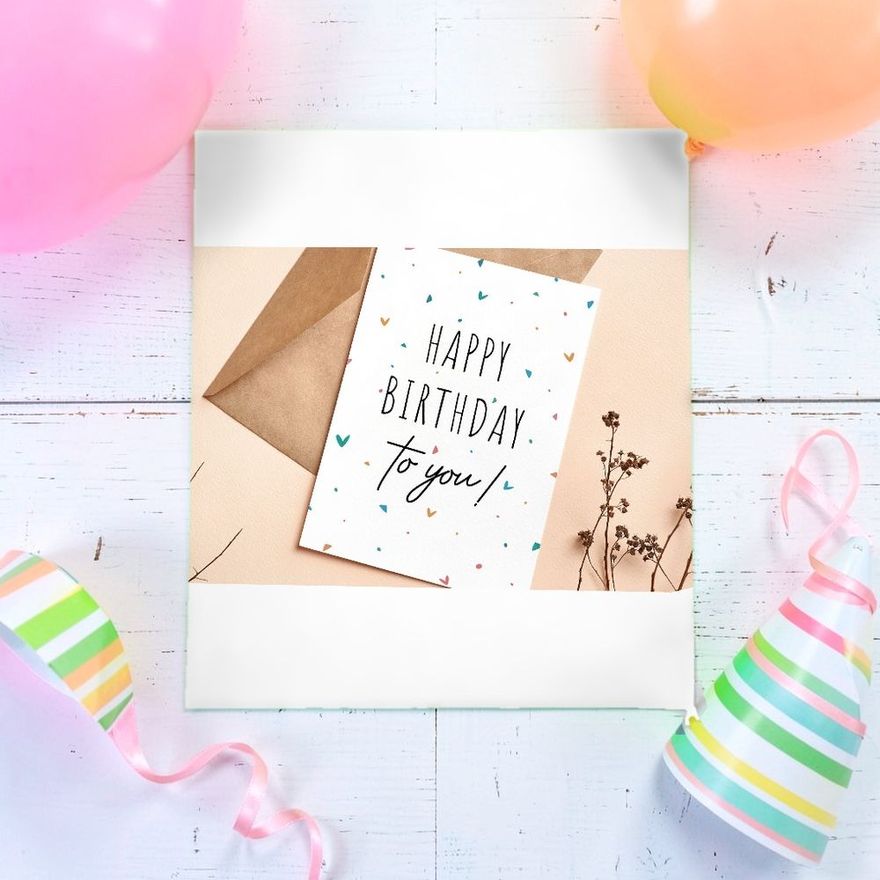
The three below are printables by name. New members of Creative Fabrica get 10 free downloads, which is enough to try a few designs on your own printer.
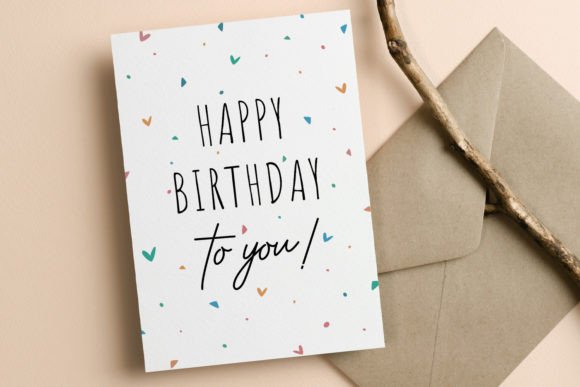
Birthday Card Printable Template Cute
See the listing ↗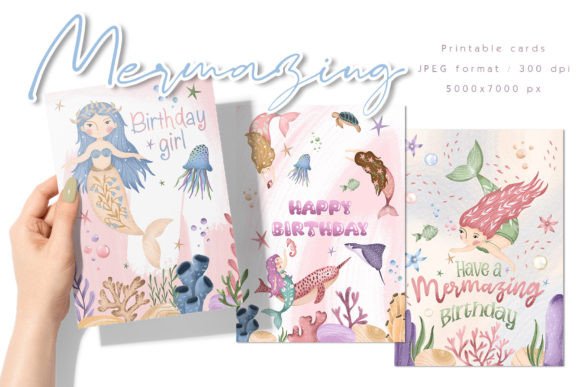
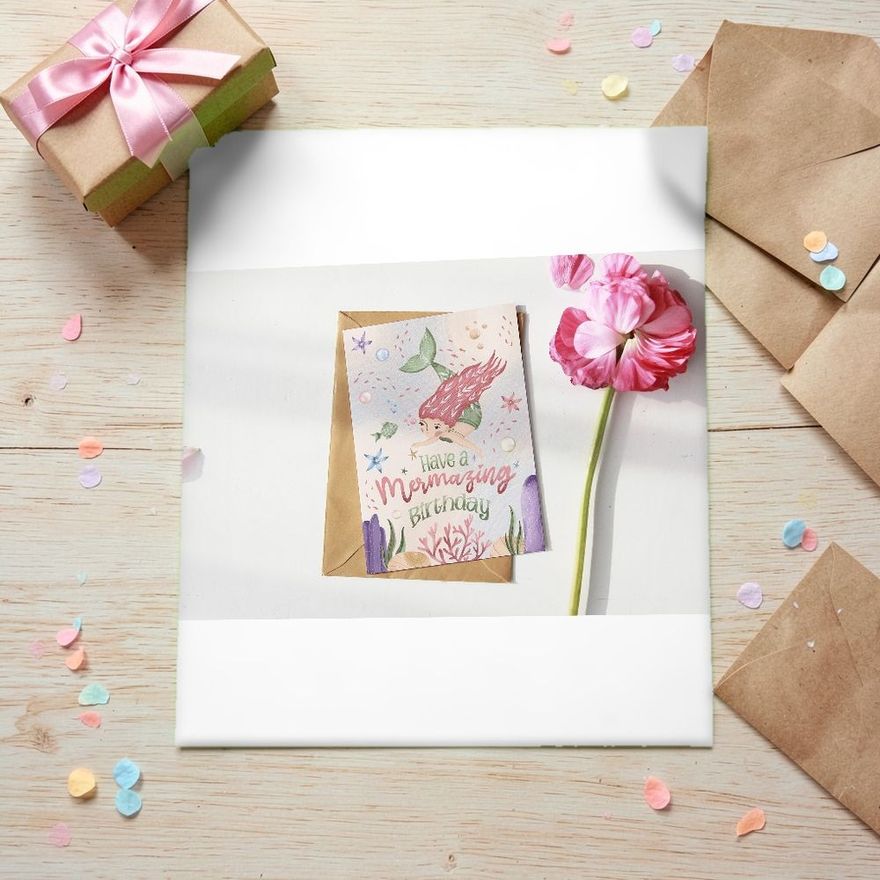
Mermaid Birthday Card Printable
See the listing ↗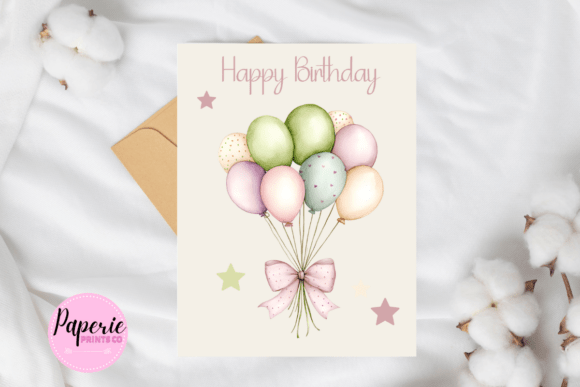
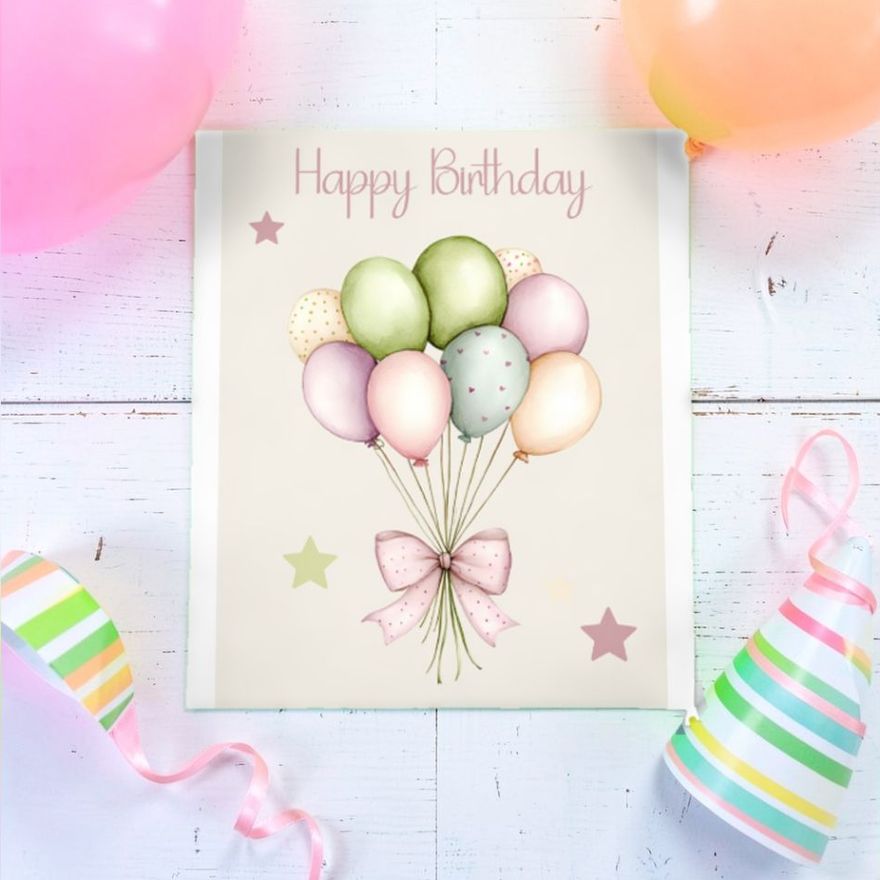
Happy Birthday Card Pastel Printable
See the listing ↗From the collection Printable Birthday Cards. New Creative Fabrica members get 10 free downloads, and any of these can be one of them.
Two Cards per Sheet
A Letter sheet cut in half across its length gives two pieces of 8.5 x 5.5 inches, and each folds into an A2 card. A file already laid out two-up needs nothing special: print at actual size and cut at the 5.5-inch mark.
If the file holds a single A2 card on a half-Letter page, you have two options.
- Cut first, then print. Trim the cardstock to 5.5 x 8.5 inches (140 x 216 mm) and choose that paper size in the print dialog. It is often listed as Statement or Half Letter. Not every printer feeds a sheet that small, so test with plain paper.
- Use a pages-per-sheet option. Printing two pages on one sheet is quick, but this option usually shrinks each page to leave margins. Measure the result before you rely on it.
Printing an Inside Message
A printed greeting inside means the sheet goes through the printer twice. The risk is an inside that comes out upside down or on the wrong half, and plain paper solves it.
- Print the outside on a plain sheet.
- Put that sheet back in the tray the way you think is right and print the inside.
- Fold the test. If the message is upright on the correct panel, mark the tray with a note showing how the sheet went in. If not, turn the sheet and try again.
Then repeat with cardstock, and keep these in mind:
- Let side one dry first. Give it several minutes. Epson's manual warns that the paper may smear in two-sided printing unless the ink has dried before the sheet is reloaded.
- Skip automatic duplex for heavy paper. Duplex units are built for ordinary paper. Canon's driver, for instance, turns automatic duplex off as soon as you choose any media type other than plain paper. Turning the sheet by hand is slower and more reliable.
- Expect a small shift. The two sides rarely line up perfectly. Keep the inside text well away from the edges and the fold, and avoid a border on both sides.
There is also a way around the second pass: print the message on text-weight paper, trim it a quarter inch smaller than the card front and glue it inside. A quarter-fold card needs no second pass at all, because its inside is printed upside down on the same side of the sheet and two folds bring everything upright.
For the words themselves, what to write in a birthday card has messages sorted by who the card is for.
Borderless Printing and Its Limits
Most printers cannot put ink on the outer edge of a sheet. The blank margin is small but real: Epson lists 0.12 inch (3 mm) on every side for its EcoTank ET-2800, and a Canon PIXMA manual gives 0.12 inch at the top, 0.20 inch at the bottom and 0.25 inch at each side of a Letter sheet, a printable area of 8.00 x 10.69 inches. A design that runs to the edge of the page is clipped there.
Many inkjets have a borderless mode, with two catches. It is limited to certain papers and sizes: Canon lists its own photo papers, and the Epson guide allows only its photo papers at 3.5 x 5 and 4 x 6 inches. It also enlarges the image to fill the page, so, in Canon's words, slight cropping may occur at the edges.
The dependable way to get color to the very edge is to print on a larger sheet and cut it down. A 5 x 7 design with crop marks on a Letter page works like this: the color extends past the marks, and you trim through it. Two A2 cards fill the whole Letter sheet, so there is nothing to trim away. Choose designs with a white border for that layout, or print one card per sheet.
Dry, Score, Trim, Fold
- Dry. Lay the sheets out separately for several minutes. Do not stack them.
- Score. If the file has fold marks, they sit in the margins, outside the crop marks. Score while they are still on the sheet: line a ruler up between the two marks and run a bone folder or an empty ballpoint pen along it. With no fold marks, measure and mark the center of the card yourself.
- Trim. Use a paper trimmer, or a craft knife and metal ruler. Line the blade up with the crop marks and cut a hair inside them, so no white sliver is left.
- Fold. Fold along the score and press the fold flat with the bone folder.
When Ink Smudges or Colors Look Wrong
| What you see | Likely cause | What to do |
|---|---|---|
| Ink stays wet, beads up or wipes off | Glossy or coated paper that was not made for inkjet | Use paper labeled for your printer type, or switch to matte uncoated cardstock |
| Smears and roller tracks | Too much ink for the paper, or stacked too soon | Try a paper type setting that lays down less ink, and give more drying time |
| Fine stripes across the picture | Clogged nozzles | Run the printer's nozzle check and head cleaning |
| Colors duller than on screen | Uncoated paper absorbs ink, and a screen glows | Use bright white paper and best quality; a matte paper made for inkjet gives richer color |
| Toner flakes along the fold | Laser toner cracking on heavy paper | Select the heavy or cardstock paper type, score before folding, and fold gently |
Glossy sheets sold for inkjet printers should not go through a laser printer, which fuses toner with heat. HP's media guide for its LaserJets says coated papers must be made for laser printing, because the wrong coating can blister in the fuser. The pack says which printer the paper is for.
Before writing on a printed card, test your pen on a trimmed-off scrap of the same sheet. Some gel inks smear on printed areas.
Paper and Finishing Tools
Printing is only half the job; the sheet still has to be scored, trimmed and folded. A 65 lb stock sits within the limit of many home printers, but check your manual first.
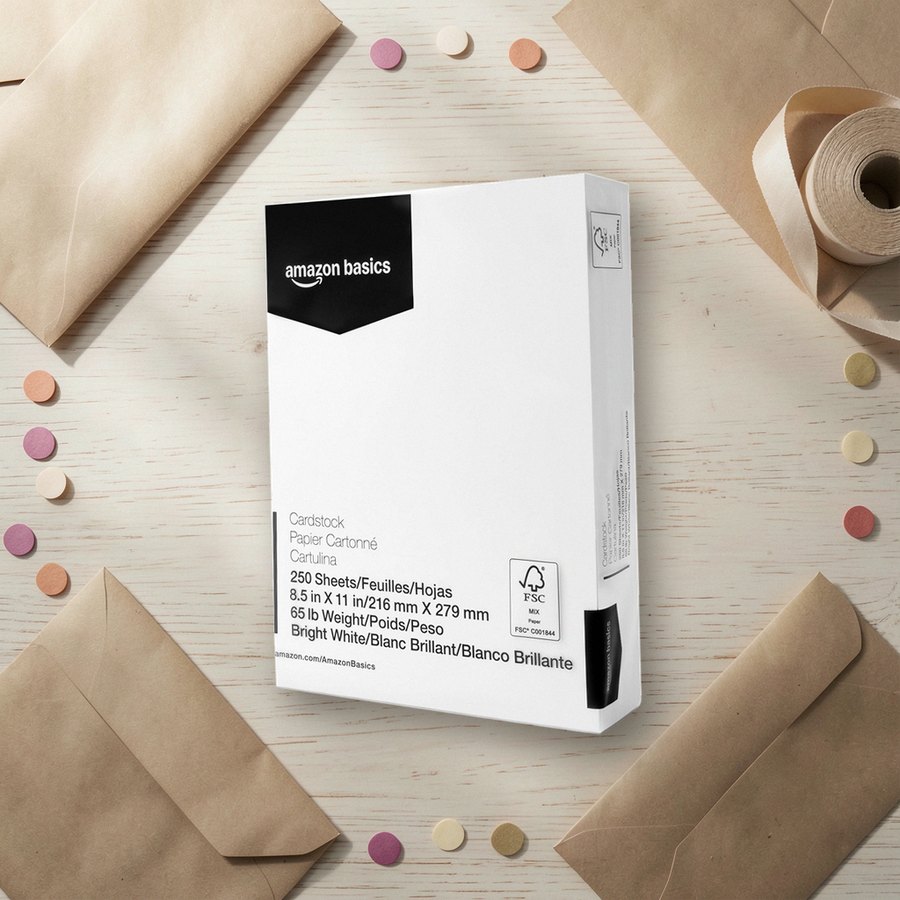 White cardstock, 65 lbAmazon BasicsSee it on Amazon
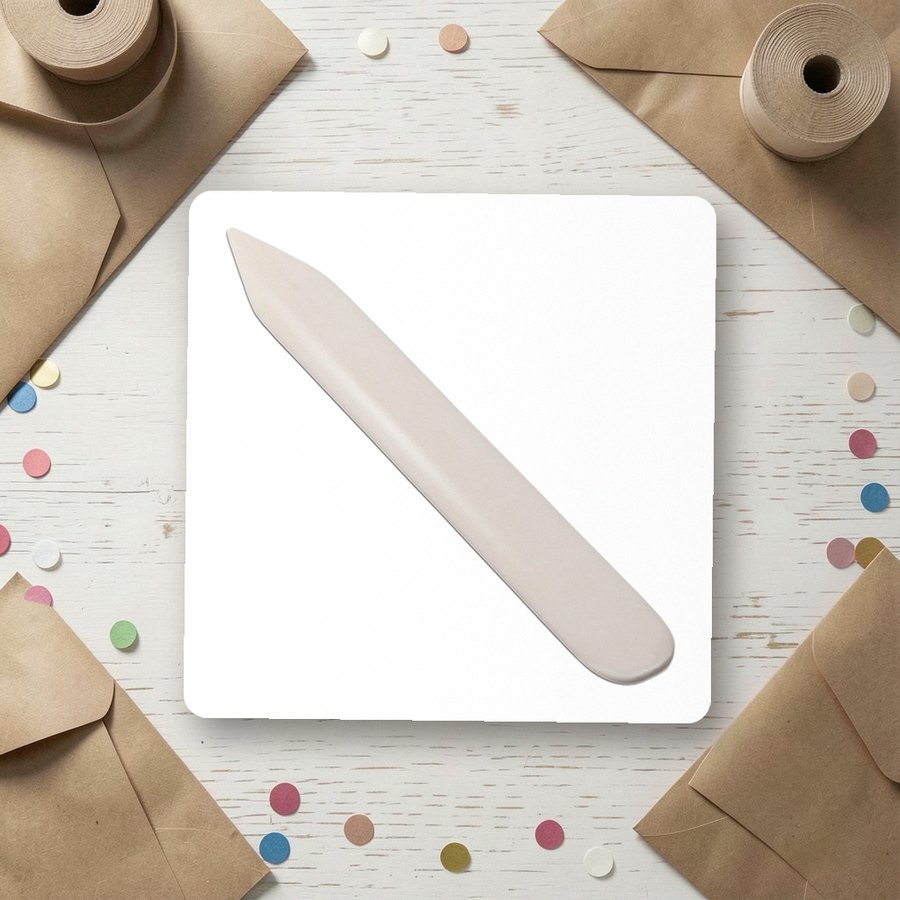 Bone folder for scoring and creasingVENCINKSee it on Amazon
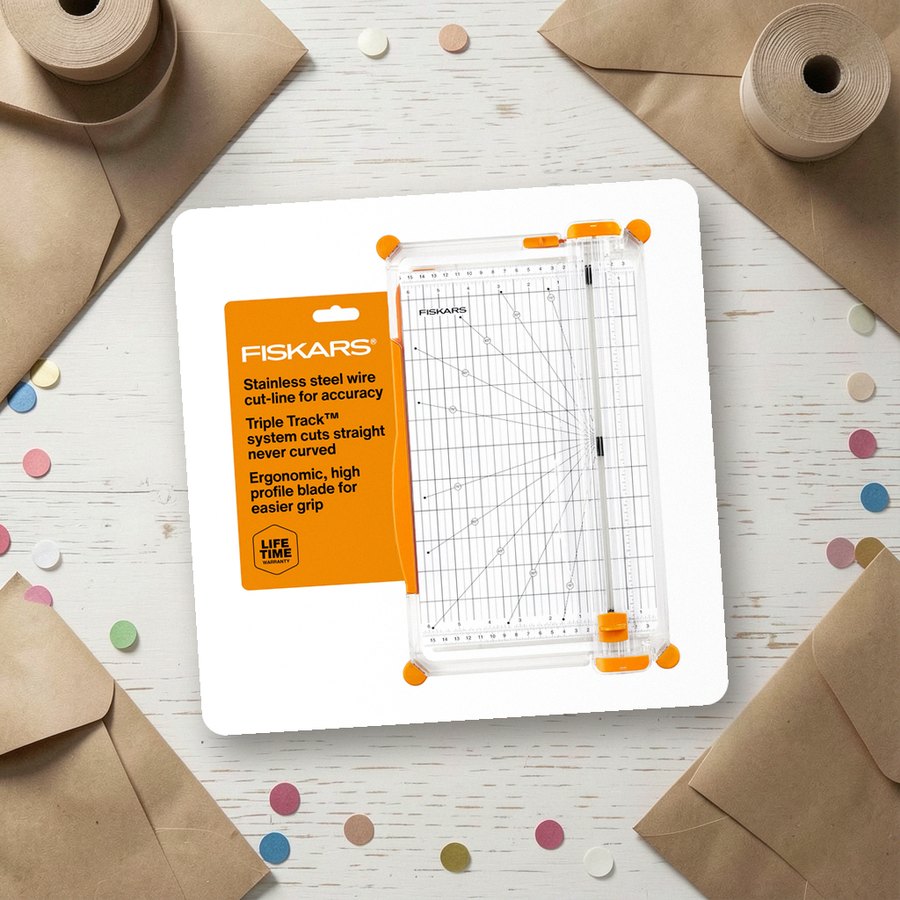 12-inch paper trimmerFiskarsSee it on Amazon
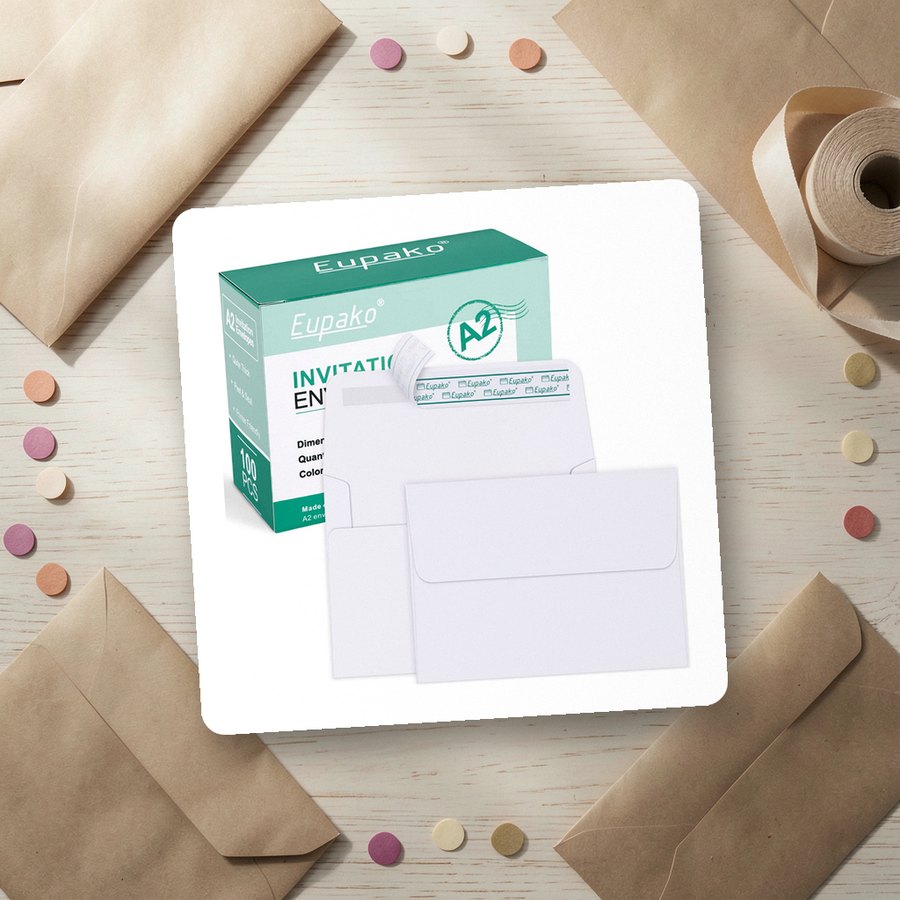 White A2 envelopesEupakoSee it on Amazon
As an Amazon Associate we earn from qualifying purchases.
Run a Test Sheet Tonight
Print any card design on plain paper at actual size, measure it, fold it and check the inside. Write what worked on a sticky note and keep it on the printer. The printable birthday cards collection has designs made for this routine, and handmade birthday card ideas shows how to add one handmade detail to a printed card.
Card Collections for This Guide
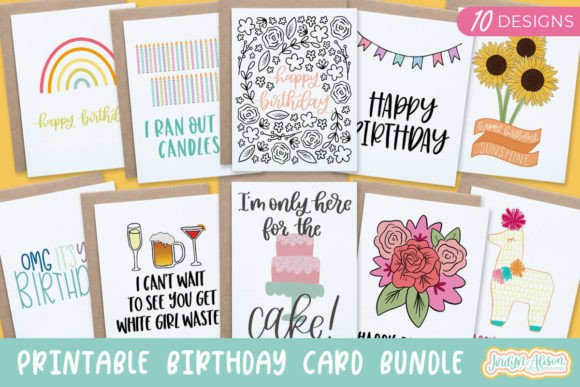 Printable Birthday Cards8 hand-picked · open the collection →
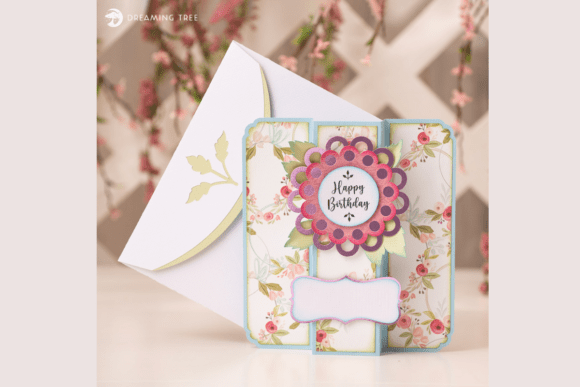 Watercolor & Floral Birthday Cards8 hand-picked · open the collection →
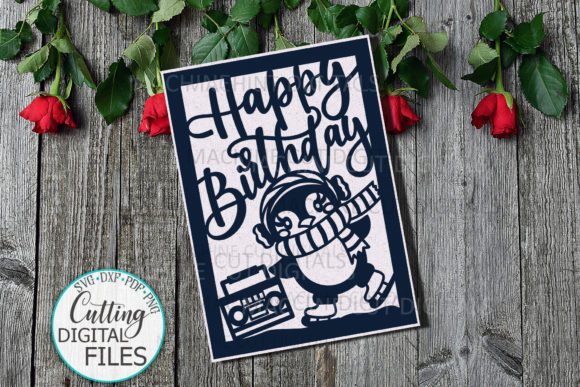 Funny Birthday Cards6 hand-picked · open the collection →